
Creating an organized home office is a key step towards boosting productivity and maintaining focus during your workday. Whether you work from home full-time or occasionally need a designated spot for tasks, a well-arranged space can reduce stress and increase efficiency. In this post, we’ll explore simple tips to help you organize your home office effectively.
Why Organize Your Home Office?
An organized workspace helps limit distractions and keeps everything within reach, so you can concentrate on your tasks. Clutter can slow you down, make it harder to find things, and even affect your mood. When your office is neat and orderly, it’s easier to stay motivated and productive.
Steps to Organize Your Home Office
1. Declutter First
Start by clearing everything off your desks, shelves, and drawers. Sort items into categories: keep, toss, donate, or relocate. Be honest about what you really use and need. This step lays the foundation for a tidy space.
2. Choose the Right Location
Pick a quiet spot in your home with good natural light if possible. A dedicated room or a corner away from common distractions works best. Having a consistent workspace signals your brain that it’s work time.
3. Invest in Functional Furniture
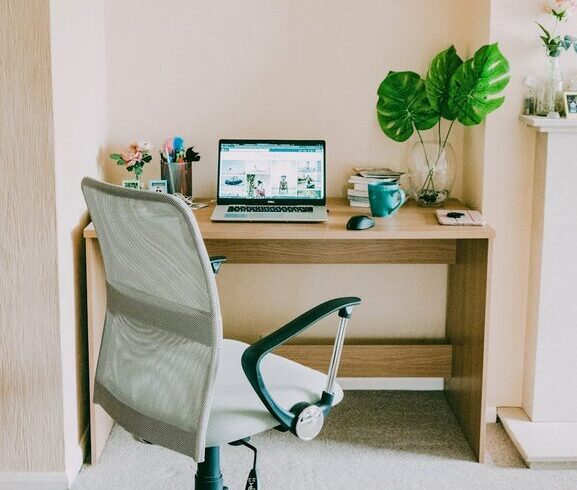
Comfortable and practical furniture supports productivity. An ergonomic chair reduces back strain, while a desk with enough surface area lets you spread out your materials. If space is limited, consider multi-purpose furniture, like a desk with built-in storage.
4. Use Storage Solutions Wisely
– Shelves: Keep books, binders, and decorative items organized.
– Drawers and Dividers: Separate office supplies like pens, paper, and chargers.
– Bins and Boxes: Group similar items together and label containers for quick identification.
– Cable Management: Use clips or sleeves to prevent cords from tangling, which saves time and reduces visual clutter.
5. Keep Essential Items Within Reach
Place items you use frequently in easy-to-access spots. For example, keep your phone charger, notepad, and favorite pens close by. Less-used supplies can be stored out of sight.
6. Create a Filing System
Paperwork can pile up quickly, so develop a simple filing method. Use folders or accordion files labeled with categories such as invoices, receipts, or project files. Going digital and scanning important documents also helps reduce physical clutter.
7. Personalize Without Overdoing It
Adding a few personal touches can make your space inviting and inspiring. Photos, plants, or artwork bring warmth, but avoid excessive decorations that can be distracting.
8. Maintain a Clean Desk Policy
At the end of each day, spend a few minutes tidying your desk. Put away papers, organize supplies, and wipe surfaces. This practice helps you start fresh the next morning.
Tips to Enhance Productivity Beyond Organization
– Set a Routine: Start your work day at a consistent time and schedule breaks.
– Use Task Lists or Planners: Keep track of priorities and deadlines.
– Limit Digital Distractions: Silence notifications or use apps to block distracting sites during work hours.
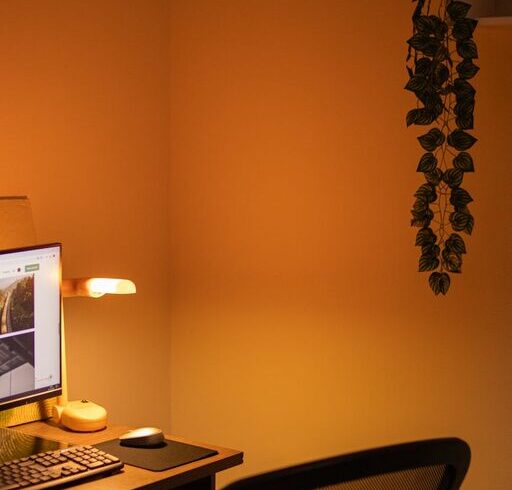
– Optimize Lighting: Combine natural light with adjustable lamps to reduce eye strain.
Conclusion
Organizing your home office doesn’t have to be overwhelming or expensive. With simple steps like decluttering, smart storage, and maintaining cleanliness, you can create a workspace that supports your productivity and well-being. Start small, and gradually adjust your setup until it feels just right.
By keeping your home office organized, you give yourself the best chance to focus, create, and succeed. Give these tips a try and enjoy the difference a tidy workspace can make in your workday.