
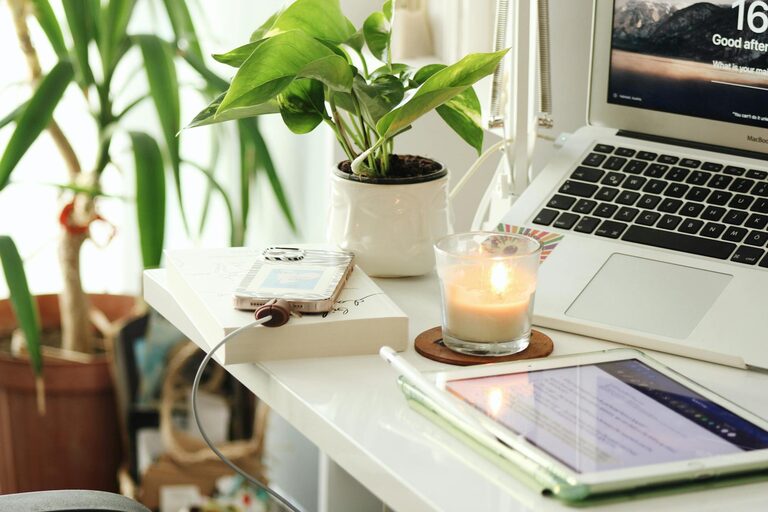
Creating a cozy and productive home office environment is more important than ever as many people work remotely or spend more time at home. A well-designed workspace can enhance focus, reduce stress, and make your workday more enjoyable. Here are some helpful tips to turn your home office into a place where comfort meets efficiency.
Choose the Right Location
Selecting the ideal spot in your home is the first step toward creating an effective office.
– Find a Quiet Space: A room or corner away from busy areas of the house helps minimize distractions.
– Consider Natural Light: Position your desk near a window if possible; natural light improves mood and reduces eye strain.
– Think About Privacy: If video calls are part of your routine, ensure the backdrop is neutral and the area is private.
Invest in Comfortable Furniture
Comfort is key when you spend long hours at your desk.
– Ergonomic Chair: Choose a chair that supports your back and encourages good posture.
– Adjustable Desk: Consider a desk with adjustable height to alternate between sitting and standing.
– Adequate Desk Space: Make sure there’s enough room for your computer, notepads, and any other tools you need.
Organize and Declutter
A tidy workspace can significantly improve productivity.
– Use Storage Solutions: Bins, shelves, and drawers help keep your office supplies organized.
– Limit Clutter: Keep only essential items on your desk to create a clean and focused environment.
– Cable Management: Use clips or covers to keep cords neat and out of the way.
Personalize Your Space
Adding personal touches can make your office feel cozy and inviting.
– Decorate with Plants: Desk plants improve air quality and bring a touch of nature indoors.
– Incorporate Art and Photos: Simple decorations can boost your mood without overwhelming the space.
– Choose Calming Colors: Soft, neutral tones promote relaxation and concentration.
Optimize Lighting
Good lighting reduces eye strain and enhances alertness.
– Layer Your Lighting: Use a mix of overhead lights, desk lamps, and natural light.
– Adjust Brightness: Make sure your light sources are bright enough without causing glare.
– Use Warm Light: Warm-toned bulbs create a comfortable atmosphere, especially during evening hours.
Minimize Noise Distractions
Controlling noise helps maintain your concentration.
– Use Headphones: Noise-cancelling headphones can block out background sounds.
– Add Soft Textiles: Rugs, curtains, and cushions absorb sound and add warmth.
– White Noise Machines: Consider machines or apps that produce soothing background noise.
Establish a Routine and Boundaries
Creating habits and limits helps keep your work-life balance in check.
– Set Working Hours: Define when your workday begins and ends to avoid burnout.
– Take Regular Breaks: Short breaks improve focus and prevent fatigue.
– Communicate Boundaries: Let family or housemates know your schedule to minimize interruptions.
Utilize Technology and Tools
The right tools can enhance both comfort and efficiency.
– Ergonomic Accessories: Use a keyboard and mouse designed for comfort.
– productivity Apps: Calendar and task management apps help keep you on track.
– Reliable Internet: Ensure a stable connection to avoid disruptions in your workflow.
Keep It Clean and Fresh
Maintaining a clean environment supports your well-being.
– Regular Cleaning: Wipe down surfaces to keep your space hygienic.
– Ventilation: Open windows or use air purifiers for fresh air.
– Avoid Overcrowding: Don’t let miscellaneous items accumulate in your office.
Final Thoughts
A cozy and productive home office doesn’t have to be expensive or complicated to achieve. By thoughtfully selecting your space, investing in comfortable furniture, organizing your materials, and adding personal touches, you can create an environment that nurtures your best work. Remember, your home office should be a place that inspires both focus and relaxation — because when you feel good in your workspace, your productivity naturally improves.
